Arcadia Blinds

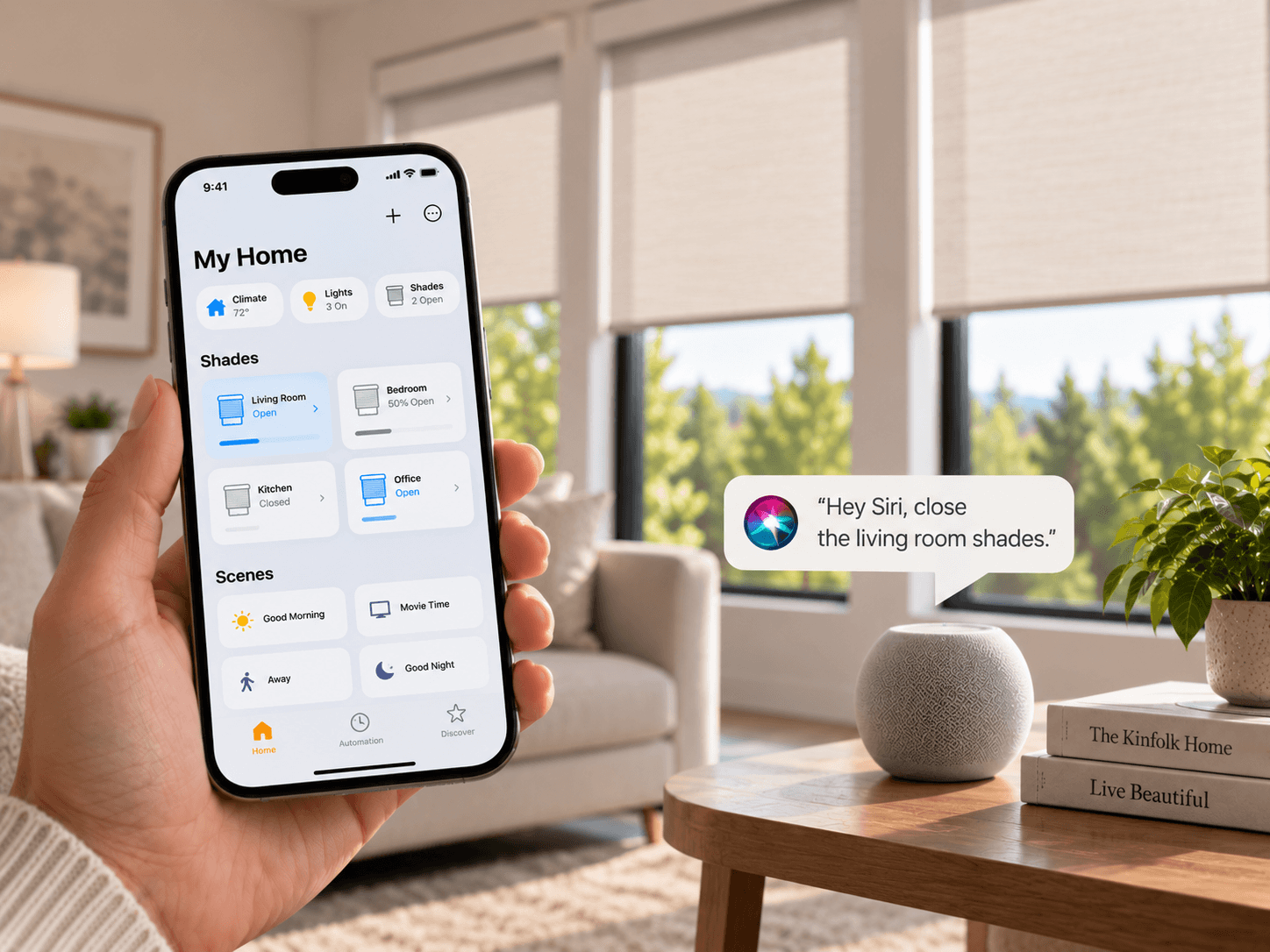
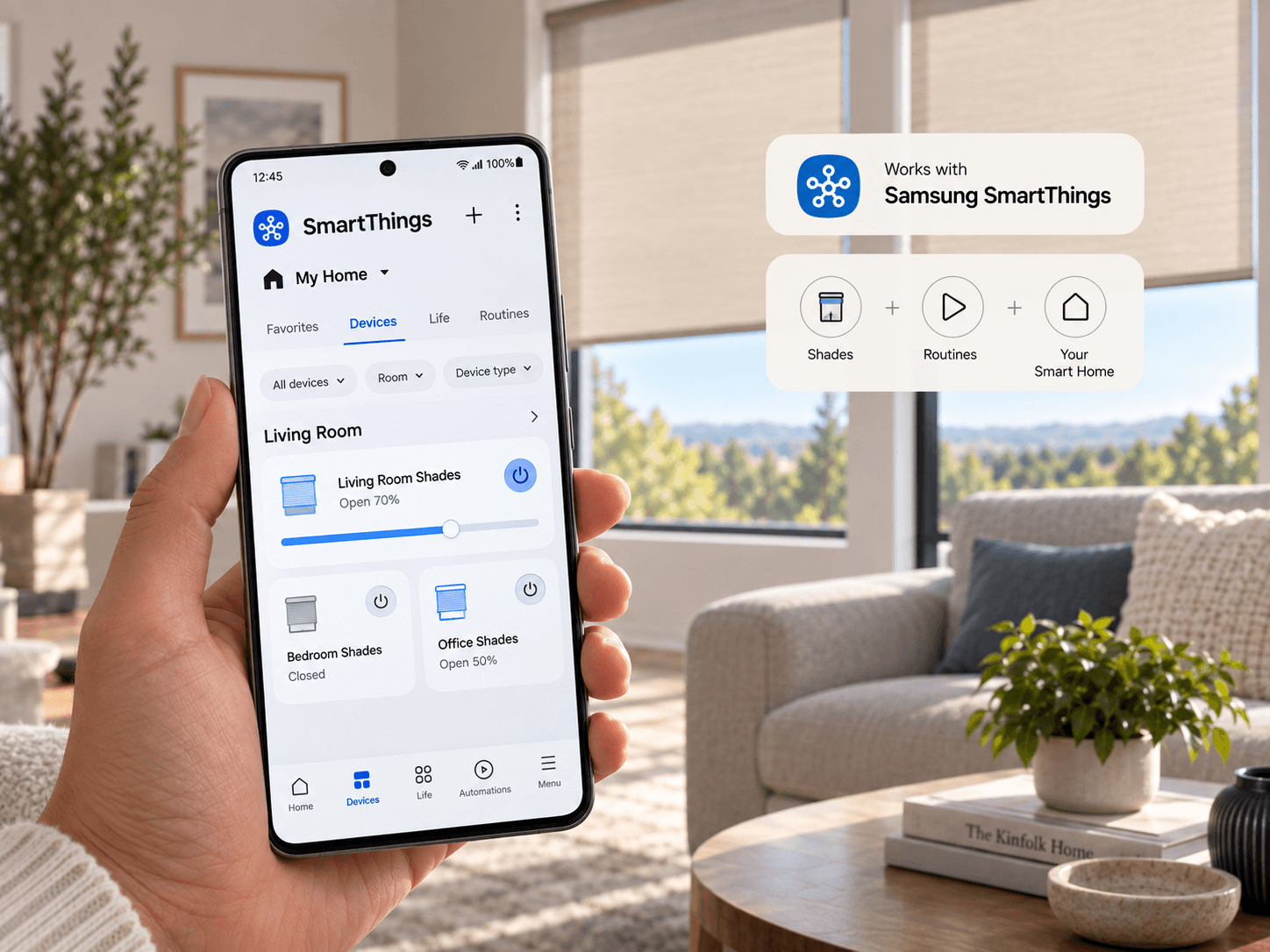
Hand holding a phone with a shade-control app
Home / Motorized Blinds / App & Remote Control

Every shade in your home, in the palm of your hand

One app and one remote system for every motorized blind and shade — grouped by room, scheduled by sun, and ready for voice control the day it's installed.

01
One app, every shade A single system replaces the tangle of brand-specific remotes.
02
Scenes and schedules Group shades by room and set them to move with the sun.
03
Alexa, Google, HomeKit Native voice control, no bridge or third-party skill needed.
04
Remote included, always A physical remote ships with every motor, app or not.

One system for every window in the house

Mixed brands of remotes and hubs is how most smart-shade installs end up with three apps and none of them talking to each other. We put every motor on one system from the start, so a single app and a single remote reach every room.
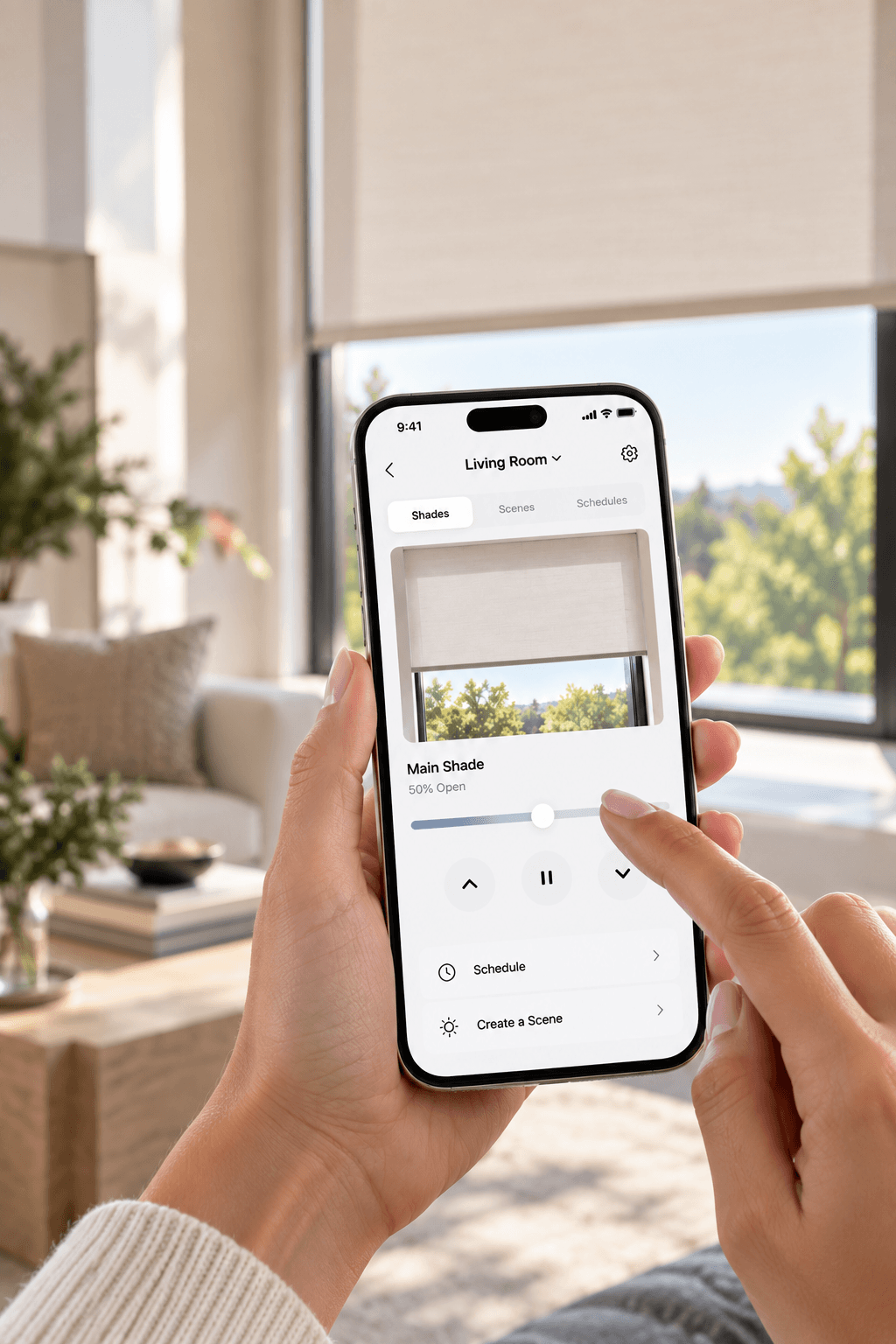
Close-up of a shade-control app on a phone screen
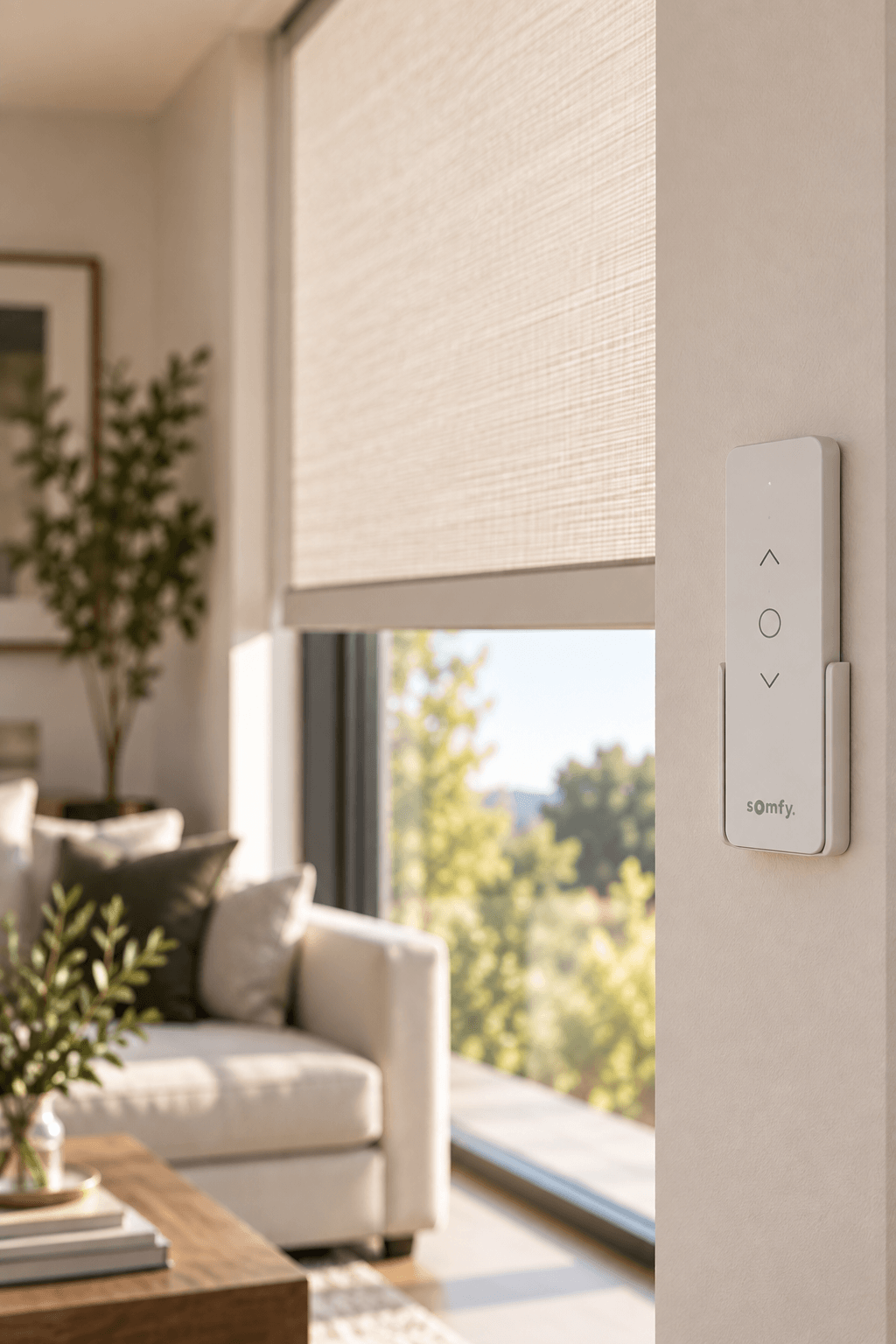
Wall-mounted remote next to a living room window
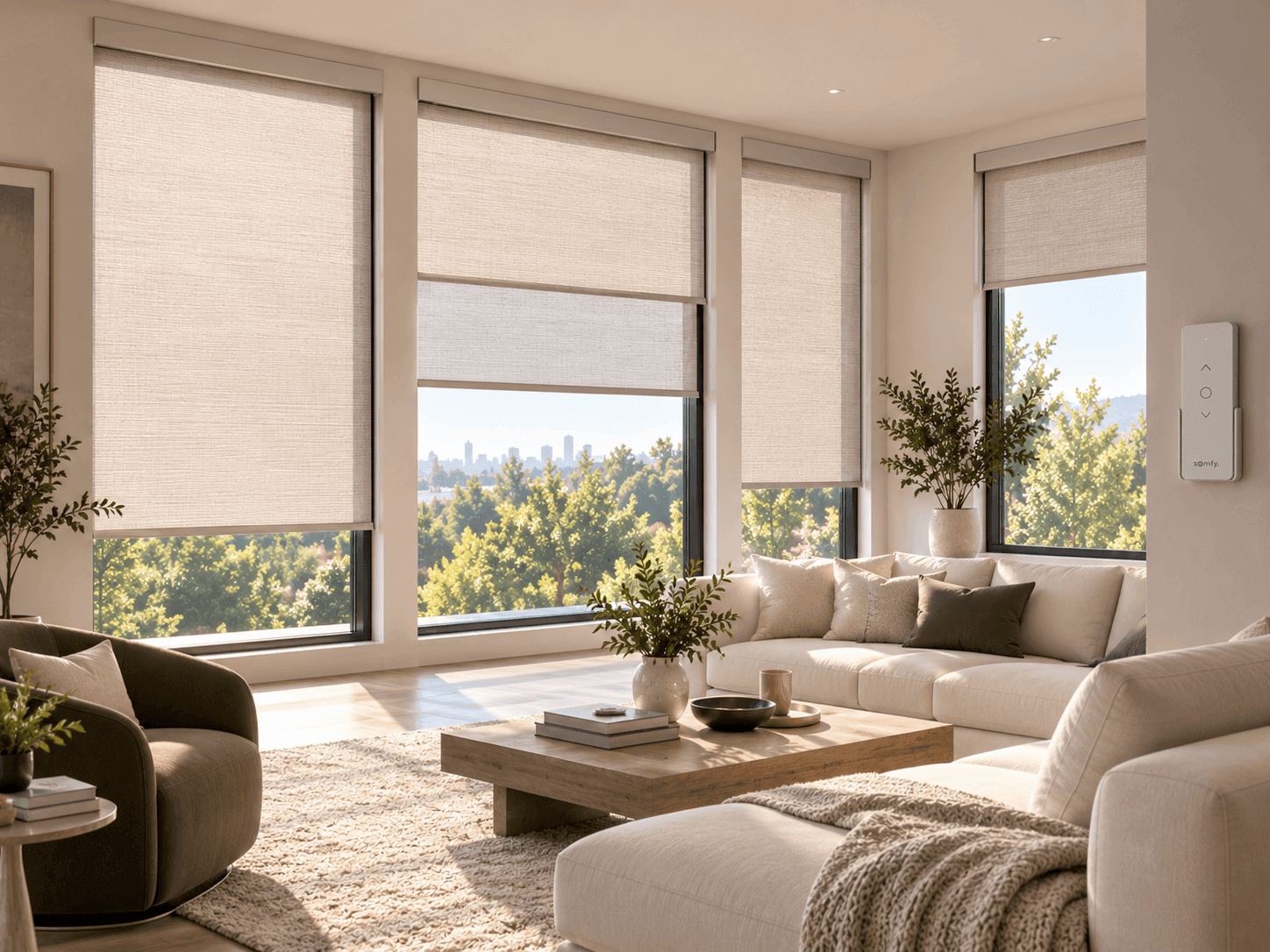
Living room with several shades set to different heights
What the App Does

Everything included as standard

01 Room and whole-home scenes Save a position for every shade in a room and trigger it with one tap, one voice command, or a schedule.
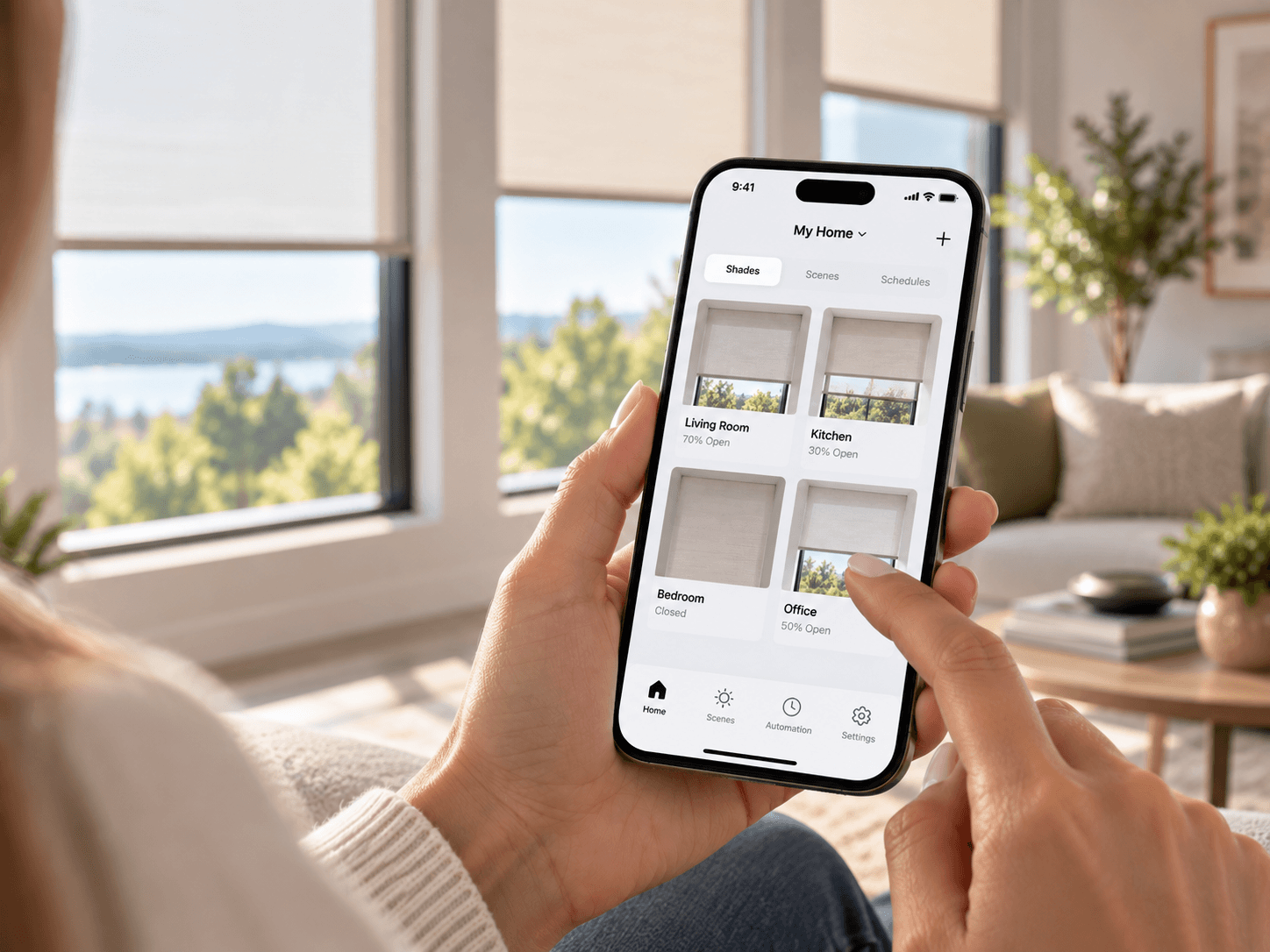
02 Sunrise / sunset scheduling Shades open and close automatically as daylight changes through the year, no manual resets each season.
03 Multi-user access Every household member gets their own login, with shared scenes and individual room-level control.
04 Offline remote fallback If the network drops, the paired remote still runs every motor directly — the app is never the only way in.
Why It Matters

Control that disappears into the routine
One habit, not five A single app for every room means no relearning brand-specific controls window by window.
Runs without you thinking about it Scheduled scenes handle glare and heat before you notice either one.
Meets you where you already are Voice control through the assistant already running your lights and thermostat, not a new one to install.
Never locked to a phone A remote is always in the box, so control never depends on an app update or a dead battery.
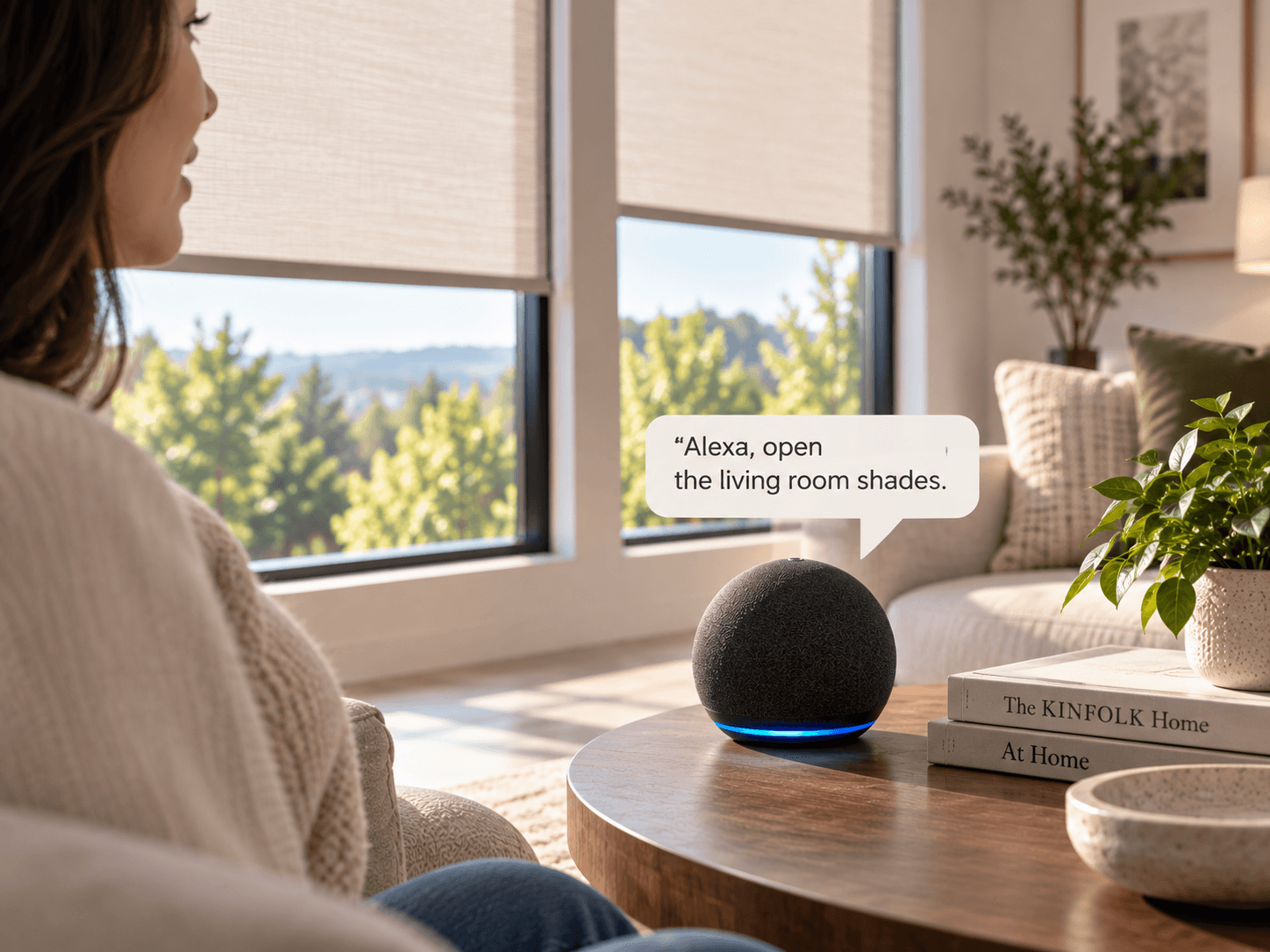
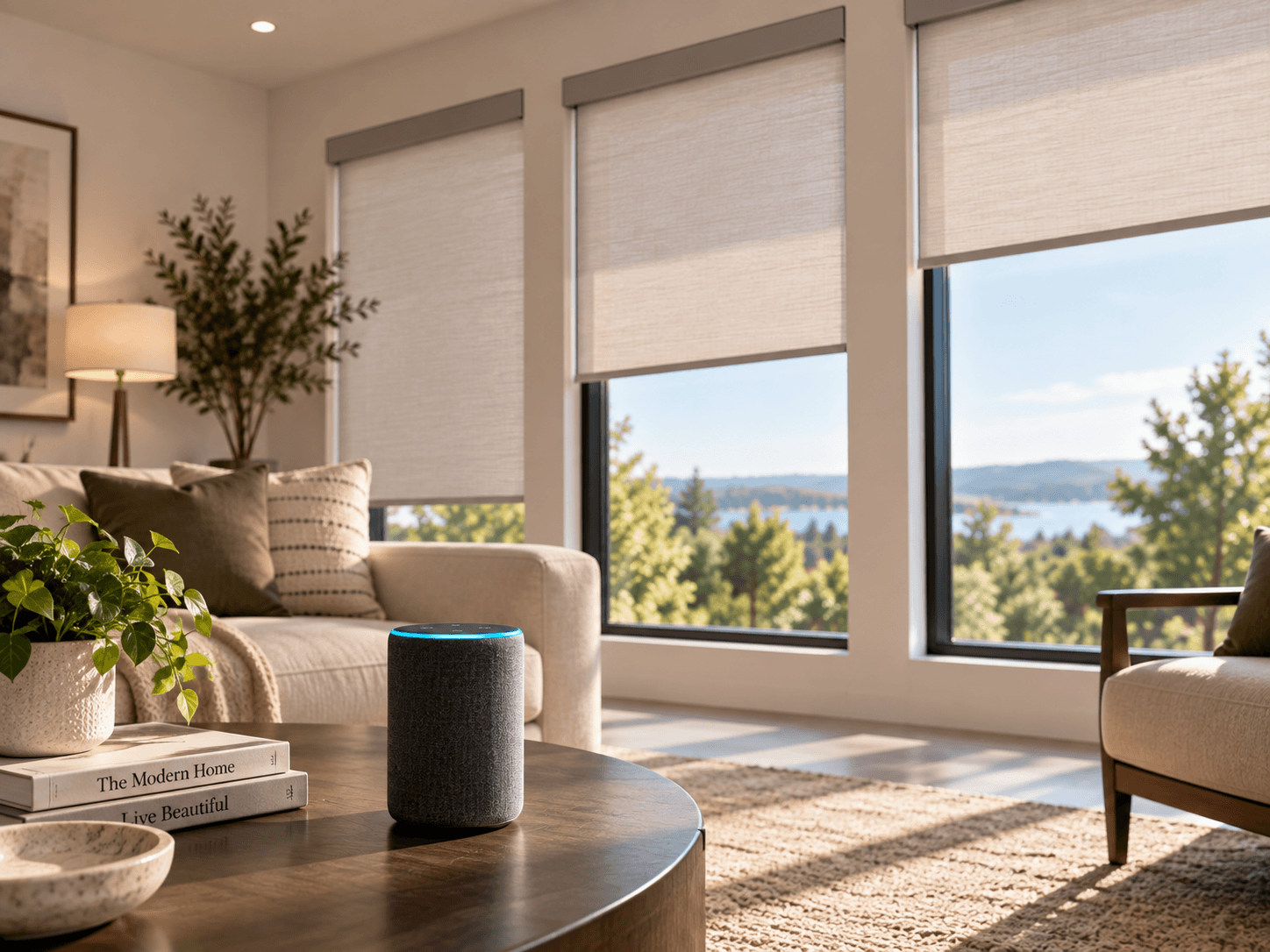
Smart speaker near a window with motorized shades
Step One

Choose your control method

Every install includes a remote by default. App and voice are added the moment you want more than a single tap.
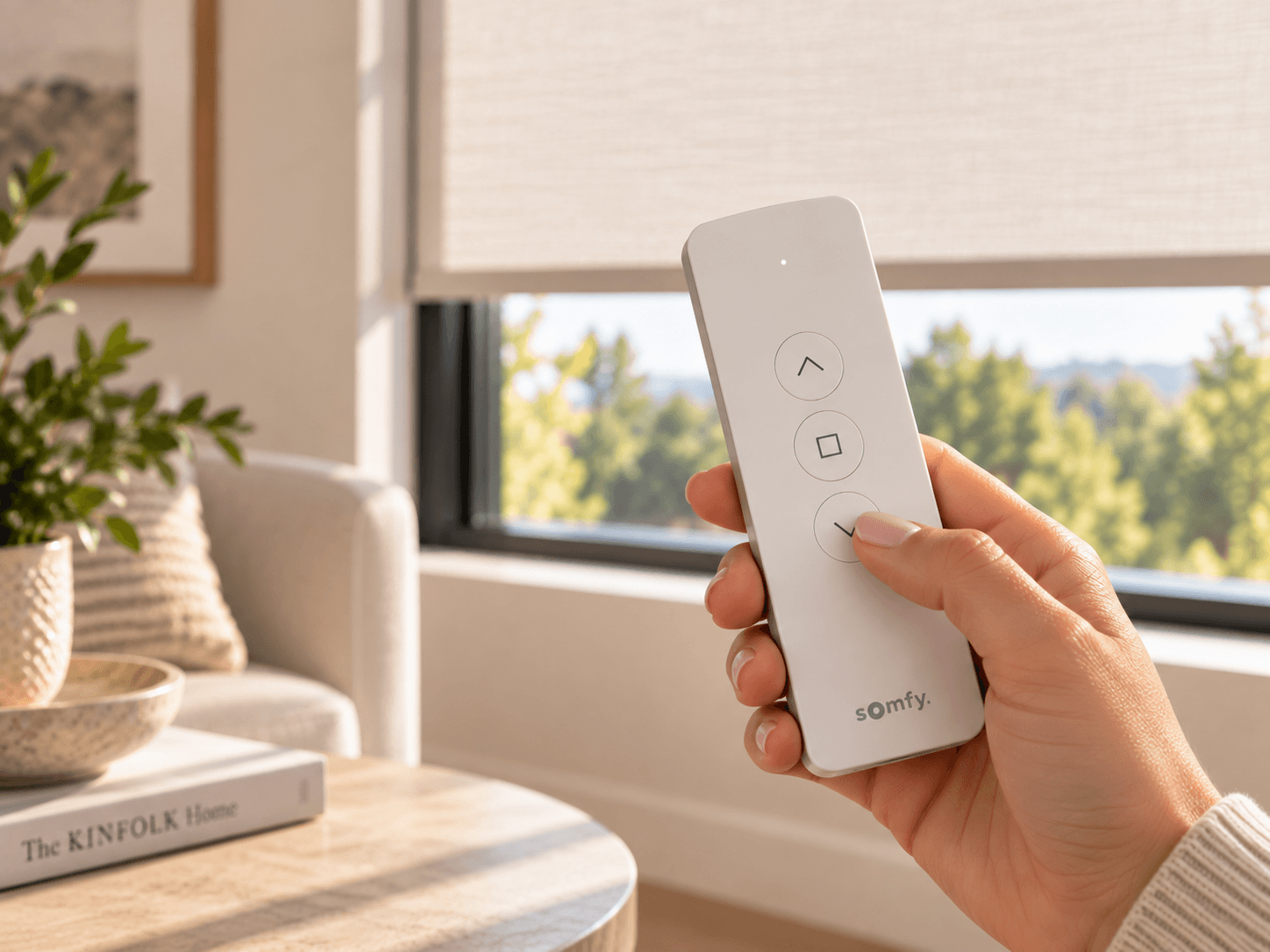
Remote Control A handheld or wall-mounted unit that runs one shade or a saved group. Included with every motor at no extra cost.
Mobile App iOS and Android app for control from anywhere, plus scenes, schedules and multi-user access.
Voice Control Runs through your existing Alexa, Google Home or HomeKit setup once the hub is paired during install.
Step Two

Choose your smart home integration

Your shades join the ecosystem you already use — no separate app required day to day.
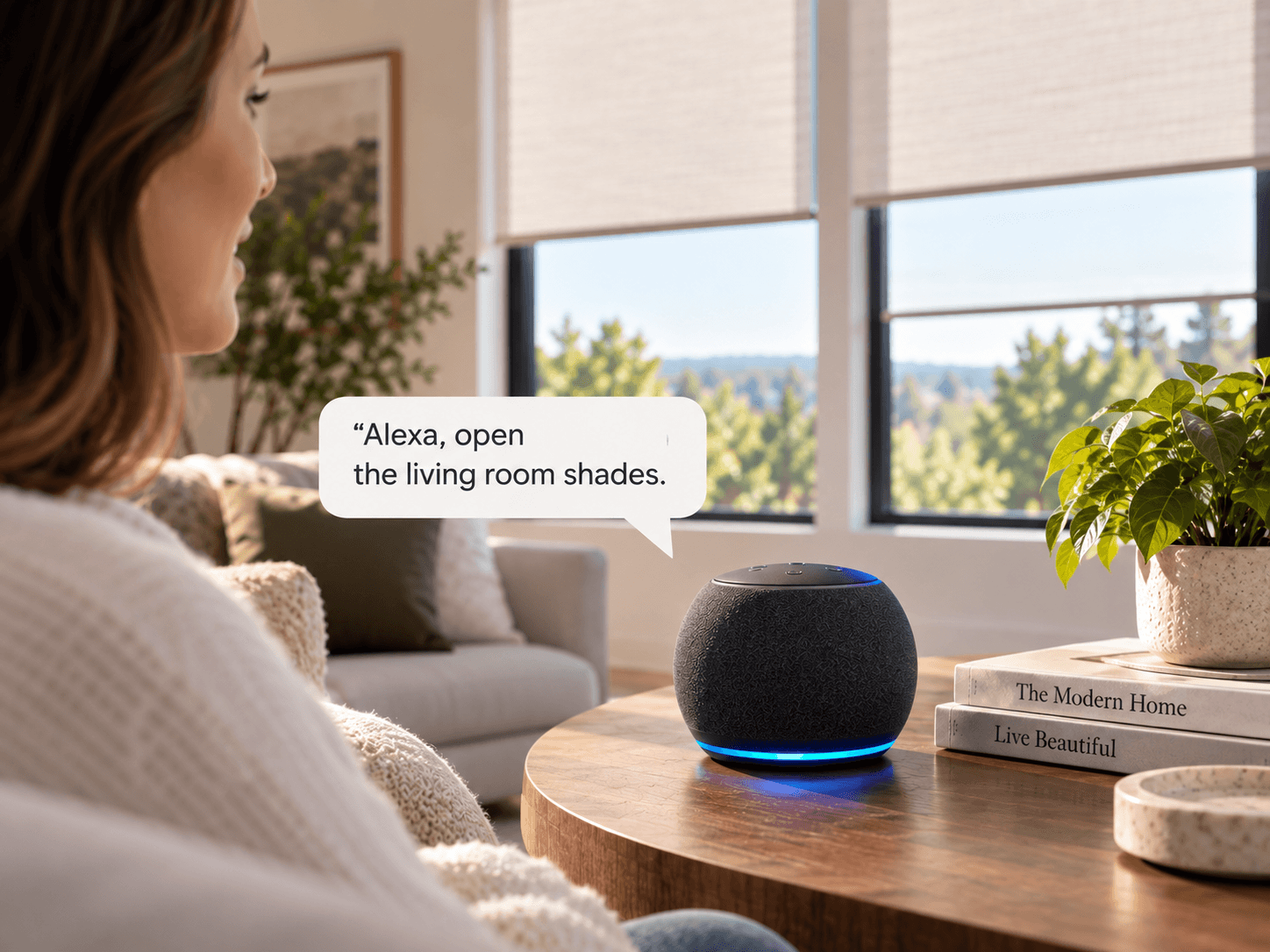
Amazon Alexa Ask Alexa to open, close, or run a saved scene by room or by name.
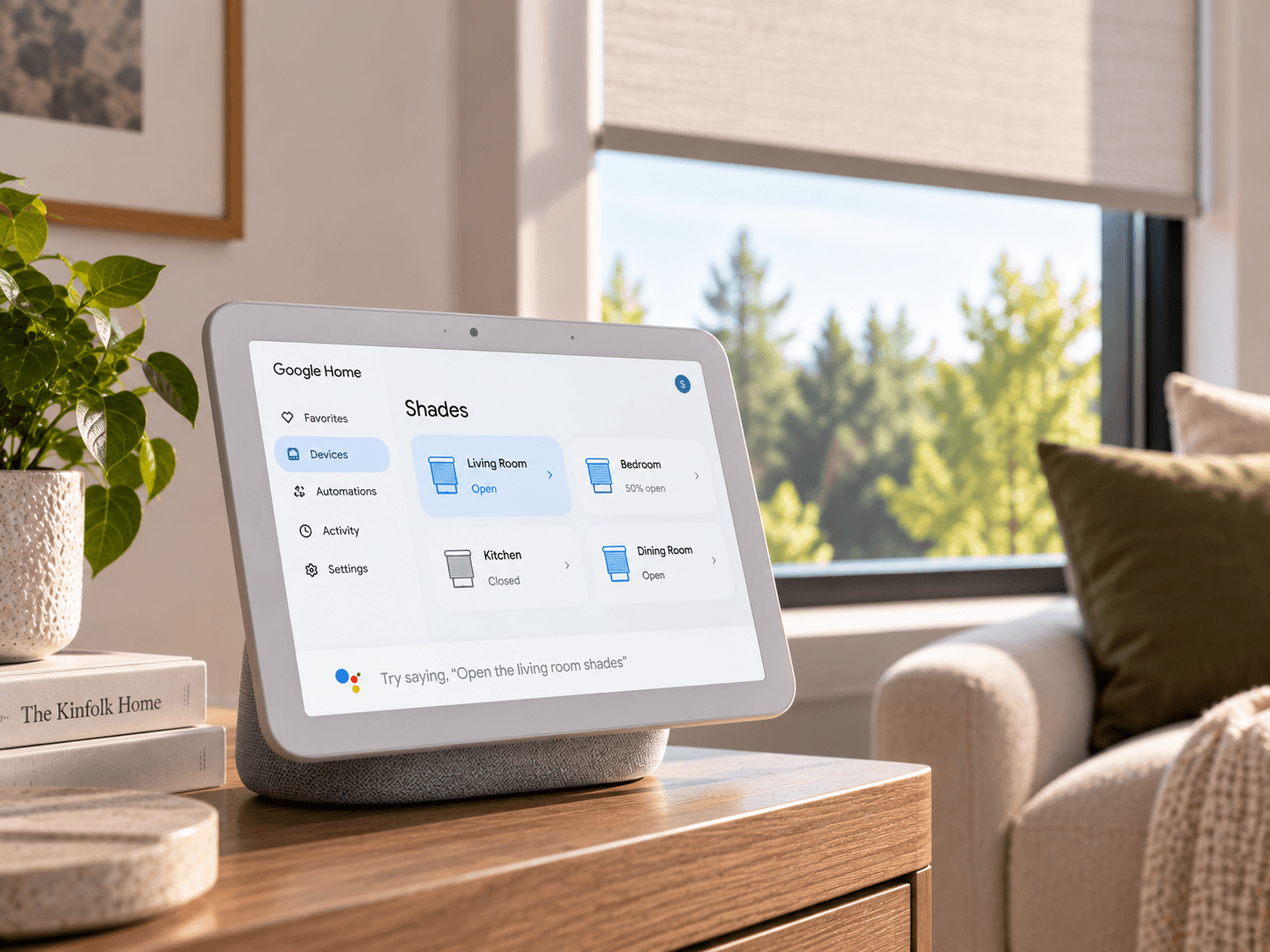
Google Home Shades appear alongside your other Google-connected devices and routines.
Apple HomeKit Control from the Home app, Siri, or an automation tied to time or location.
SmartThings Bring shades into an existing Samsung SmartThings routine or automation.
Typical DFW Project App and hub setup runs $150–$300 for the whole home, on top of motorized shades. Your quote is fixed after measuring. No deposit taken at the consultation.
Request a Free Quote

Four simple steps. One team throughout.

The same designer who sets up your app pairs every remote before they leave.

01 Consult

We walk through which rooms, scenes and platforms matter most before recommending a system.

02 Measure

Every motorized window confirmed and mapped before the app or hub is configured.

03 Select

Control method and smart home integration confirmed on a written quote at a fixed price.

04 Install

Motors paired, app configured, and every remote handed over and tested room by room.

Honest Comparison

Remote, app, or voice — which do you actually need?

Most homes end up using all three. Here's what each one is actually best at.

Remote App Voice
Everyday use
Fastest for one shade Yes One extra tap Needs a phrase
Works with no phone nearby Yes No Needs a speaker
Good for guests Yes, simple buttons Needs the app Yes, if set up
Automation
Schedules & scenes No Yes, full control Via routines only
Groups by room Limited, pre-set Yes, flexible Yes, via app first
Remote access away from home No Yes Yes
Setup
Setup time None, plug and play 10–15 minutes Adds a hub pairing step
Cost Included Included with motor +$150–$300 for hub setup
Needs Wi-Fi No Yes Yes
The Trust We Have Earned

4.9 on Google

Across 380 measured and installed North Texas homes — app and remote setups from Frisco to Mansfield.

★★★★★
One app now runs every shade in the house. My mother-in-law uses the remote when she visits and never notices the difference.
Grace L. · McKinney, TX
★★★★★
The morning scene opens the kitchen and living room shades at 7am on its own. Small thing, but we use it every single day.
Ben C. · Frisco, TX
★★★★★
Asked for HomeKit specifically and they had it running before they left. No bridge, no workaround, just works.
Alicia M. · Fort Worth, TX
Questions

App & remote control, answered

Anything we haven't covered? Call (682) 271-7646 and speak to the designer who would visit your home.

Do I need Wi-Fi for app control?

Yes, app control and voice integration both require a home Wi-Fi network for the hub. The included remote works without any network at all, as a fallback or by choice.

Can one app control shades from different rooms? +

Yes. Every motor is grouped by room in the same app, so a single scene can move shades across the whole home together.

What happens if the Wi-Fi goes down? +

The paired physical remote continues to operate every motor directly, since it communicates with the motor over its own radio signal rather than through the network.

Is voice control included or an add-on? +

A remote is included with every motor. App and voice/smart-home integration are an add-on, typically $150 to $300 for the whole home depending on platform and shade count.

Can I add app control later if I start with just a remote? +

Yes, in most cases. The hub and app can be added after the initial install without replacing the motors, as long as the motors are on our supported system.

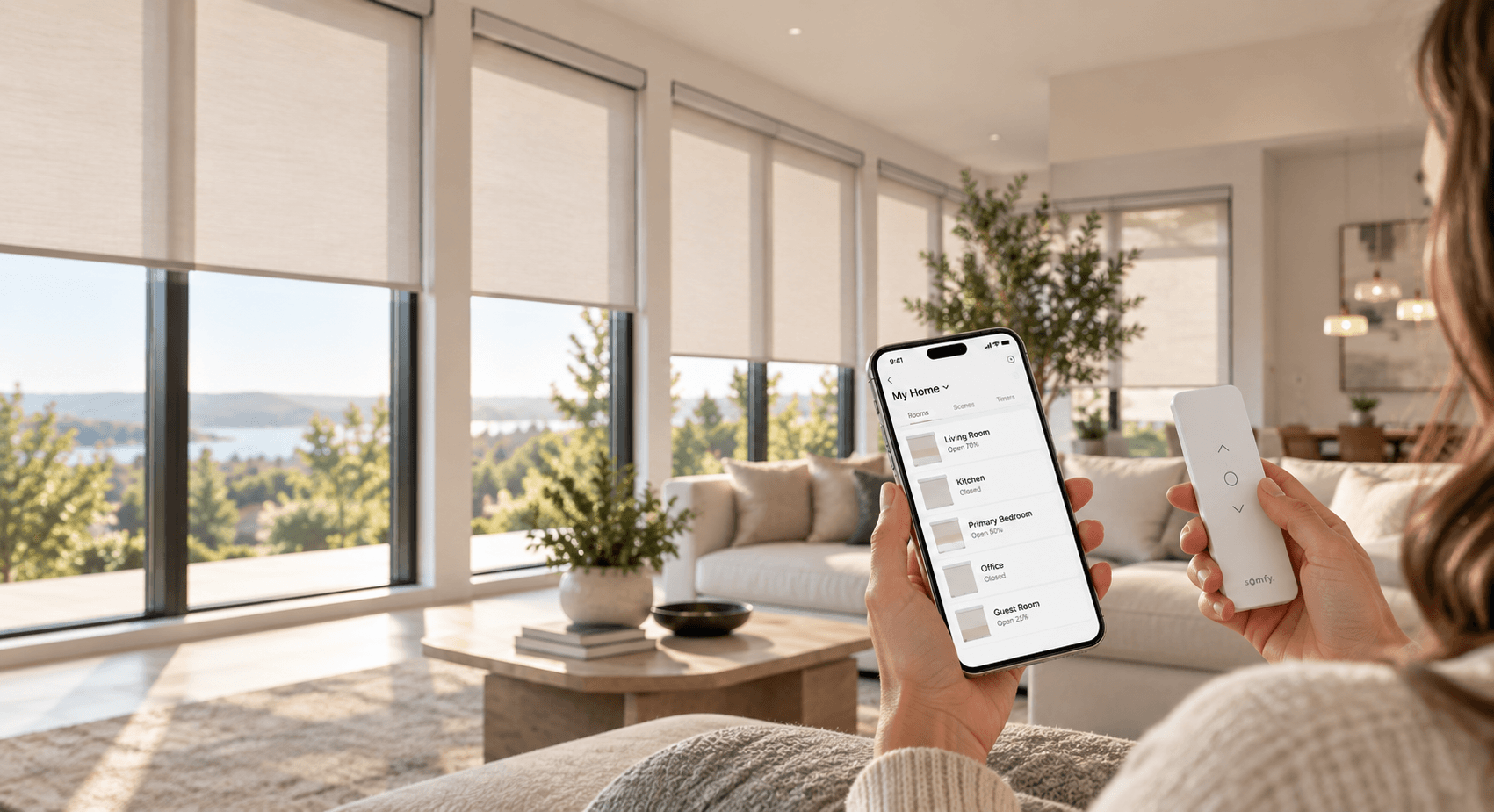
Warm wide shot of a phone controlling shades
Free In-Home Consultation

Ready to put it all on one app?

We bring the full control lineup to your home, map every room and leave a fixed written quote the same day.

Request a Visit Request your free app & remote control quote

No obligation. We'll contact you to arrange a convenient time.

Scroll to Top